1. Log in to your Plesk account.
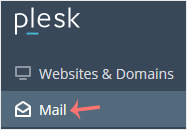
2. Click on Mail from the Sidebar Menu.
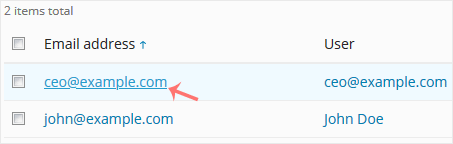
3. From the email list, click on the email account you want to rename.
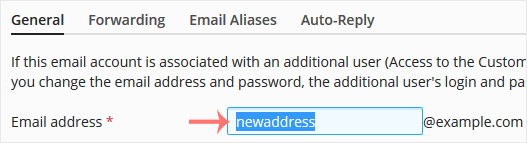
4. Enter the new email name in the email address field.
5. Scroll down and click OK.

1. Log in to your Plesk account.
2. Click on Mail from the Sidebar Menu.

3. From the email list, click on the email account you want to rename.

4. Enter the new email name in the email address field.

5. Scroll down and click OK.
Follow this tutorial to create an email account in Plesk. 1. Log in to your Plesk account....
You can access your Email directly from Webmail. Open https://webmail.example.com, and...
You can change your email password in Plesk through the following steps: 1. Log in to your...
Broodle offers superior, reliable and affordable Web Hosting to individuals and small businesses. We’ve designed our entire process and products around providing everything a small businesses needs when they’re starting out – ensuring that working with us is always a quick, easy and hassle-free experience.